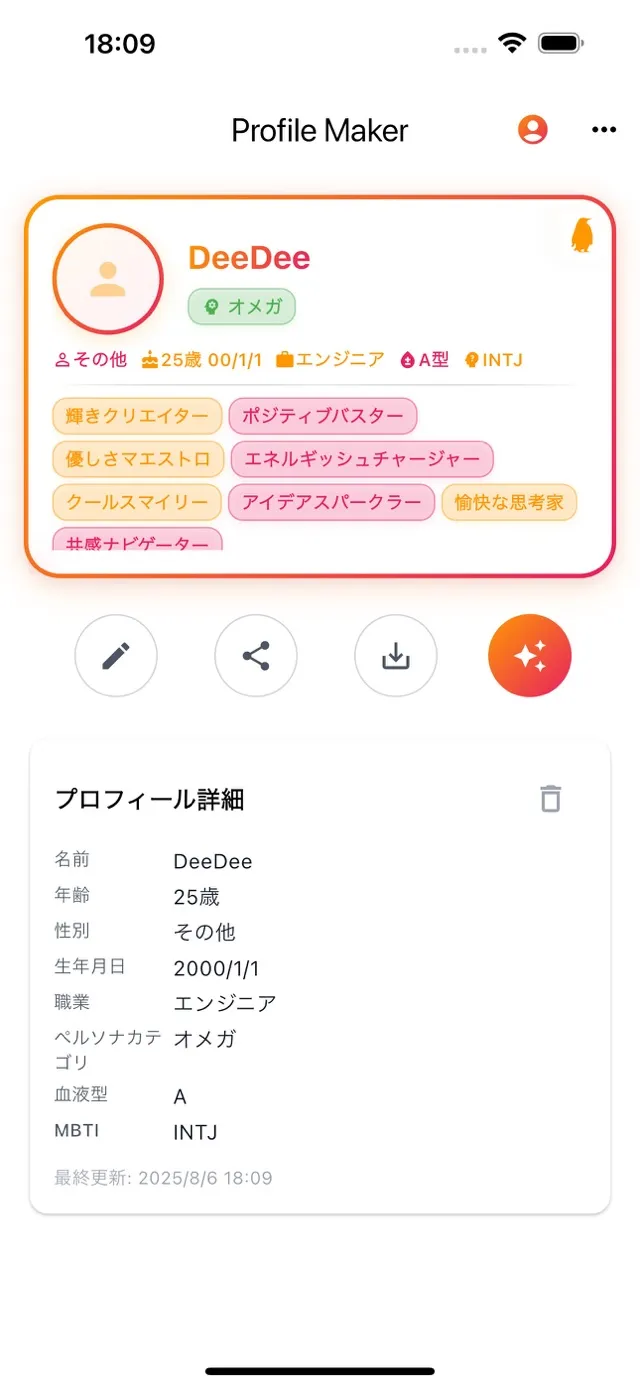
Choose a photo and add your own text to create a personalized profile card.
✓Choose the photo and text for your card
✓Create a profile card to introduce yourself
Getting started
Get the app from the App Store.
Choose a photo and text to make your profile card.
Permissions and your data
Required permission
You choose the photo and text for your card. Follow the device prompts when selecting a photo.
Storage and connections
According to the developer’s App Store disclosure, email addresses and user content may be collected for app functionality and linked to your identity. See App Privacy on the App Store for details.
Before you install
This listing covers the iPhone app. Check the photo and information on your card before sharing it.