
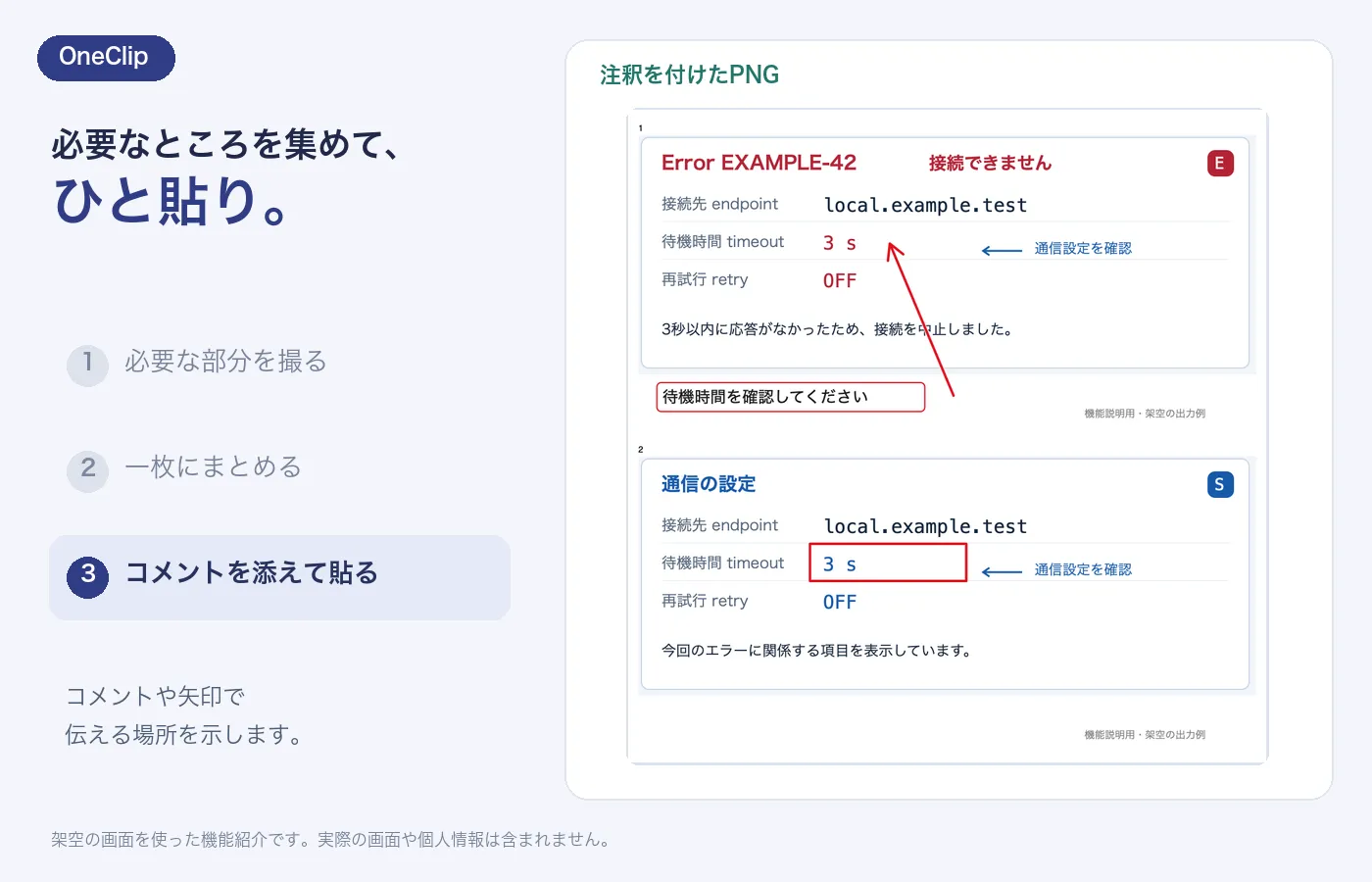
Copy a part of your screen, combine a few captures, and add a comment. OneClip is a Mac menu bar app that turns what you see into something easy to share.
- Select an area and copy it instantly
- Combine one to four captures in one image
- Make your point with comments, outlines, and numbers
Getting started
- Download and unzip the archive.
- Move OneClip.app to your Applications folder.
- Open OneClip and start from its menu bar icon. Allow Screen Recording when prompted for a capture.
Permissions and your data
Required permission
macOS Screen Recording permission is required when capturing your screen.
Storage and connections
Screenshots, comments, and clipboard contents are not sent to an external service. Images are saved on your Mac without automatic expiration or deletion. The app connects to GitHub only when you manually check for updates.
Before you install
macOS 14, Intel hardware, full VoiceOver support, and every display configuration have not been validated. Annotations do not redact sensitive information, and original captures remain on your Mac.
Signing and notarization help verify the publisher. They do not guarantee that software is free of every defect or risk.