
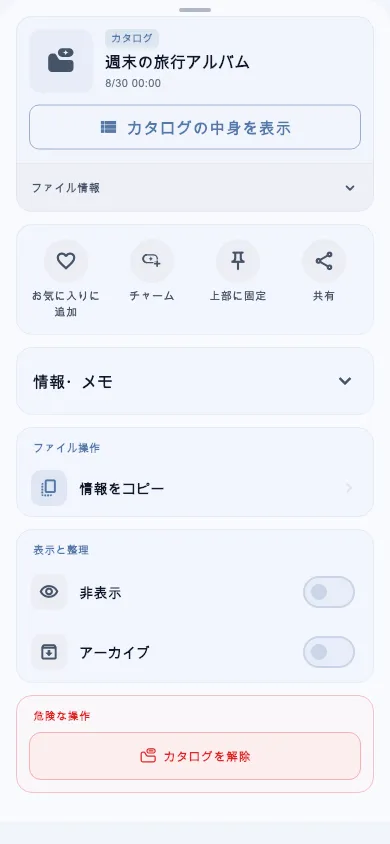
Organize photos, videos, audio, and PDFs in a media library with catalogs. The public Android preview is v1.0.12-oss.2.
- Organize images, videos, audio, and PDFs in catalogs
- Open PDFs, select text, and follow links
Getting started
- Read the preview’s validation notes and setup instructions on GitHub.
- Get the signed APK and SHA-256 checksum from the release assets.
Permissions and your data
Required permission
Choose which files to import in the device picker. The public APK declares permissions for features such as the camera, biometrics, and notifications. When installing an APK outside a store, Android may require permission for the specific installer.
Storage and connections
The publisher describes CharmShelf as a local media library that manages imported files on your device. You choose which images, videos, audio files, and PDFs to import.
Before you install
The publisher checked installation and launch on an emulator. Physical-device operation, backup and restore, file sharing, and background audio have not been checked with this APK. TagShelf data does not migrate automatically. Keep your original files and backups when trying the preview.